
Anchor Design Software for Structural Connections
PROFIS Engineering supports the way you actually work — built with the tools, integrations, and design methods for real-world projects
Try our premium version free of charge for 30 days. After the trial expires, you will have the choice to buy Profis Engineering Premium or switch to the free version.

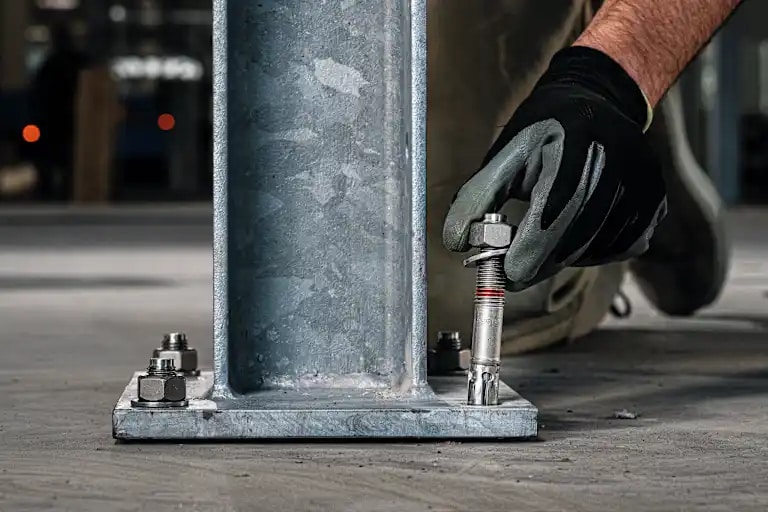
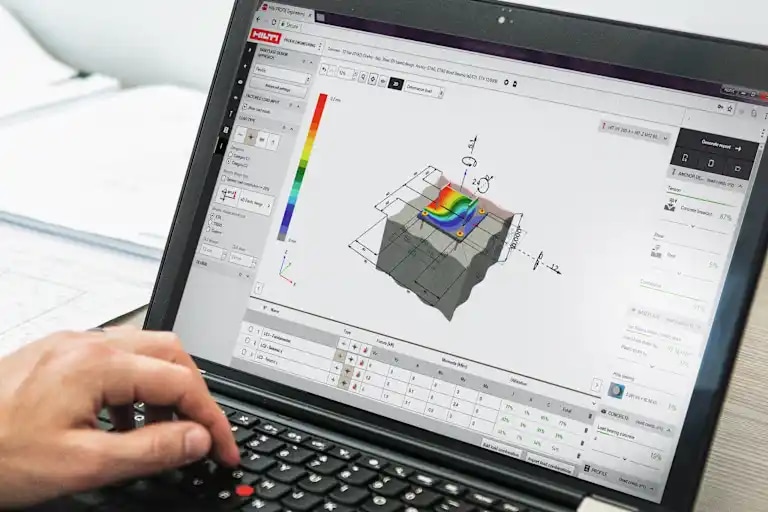

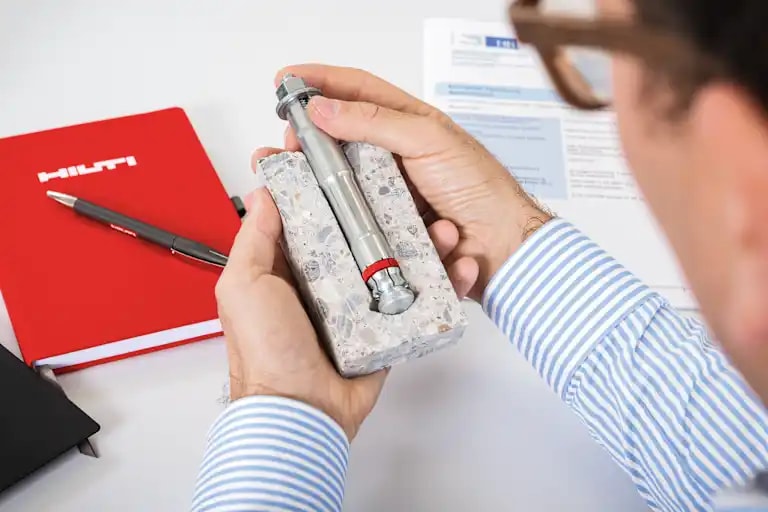
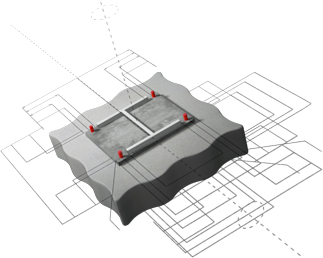
Save time spent on steel-to-concrete connections with Smart Design
Find the governing condition without checking each load case manually
Built-in and automatically updated to the latest versions
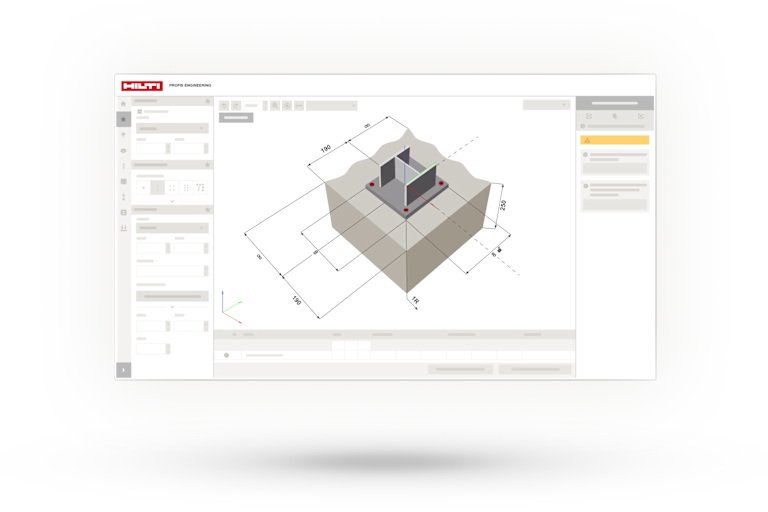
Baseplate design
Switching between anchor and base plate design tools slows teams and increases the risk of errors. PROFIS Engineering brings both together in one workflow, allowing you to design using AISC Design Guide 1 or analyse real base plate behavior with CBFEM. Evaluate complex geometries, stiffeners, welds, and load distribution to help reduce rework and improve design consistency.
Import and integrations
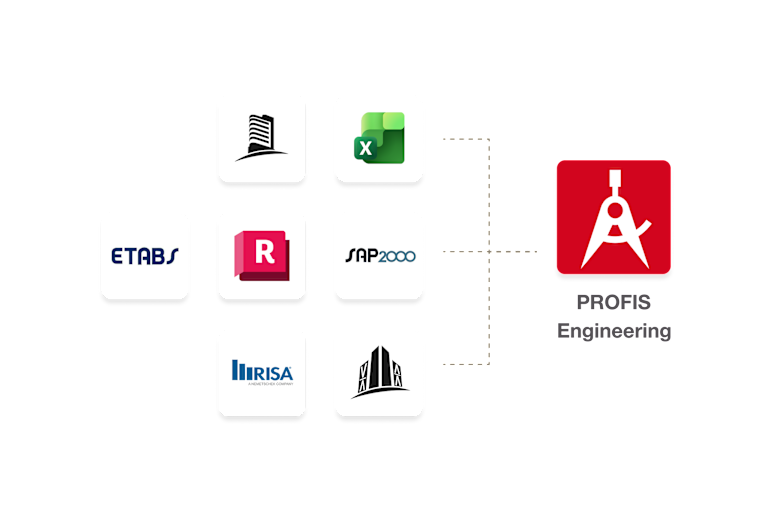
Manual entry of load combinations between applications wastes time and increases the risk of errors at every step. One incorrect value can lead to hours of rework or design revisions later. PROFIS Engineering supports workflows with simple Excel imports and integrations with RAM Structural System, RISA, ETABS, SAP2000, and others, helping teams improve accuracy and save more time per project.
Templates
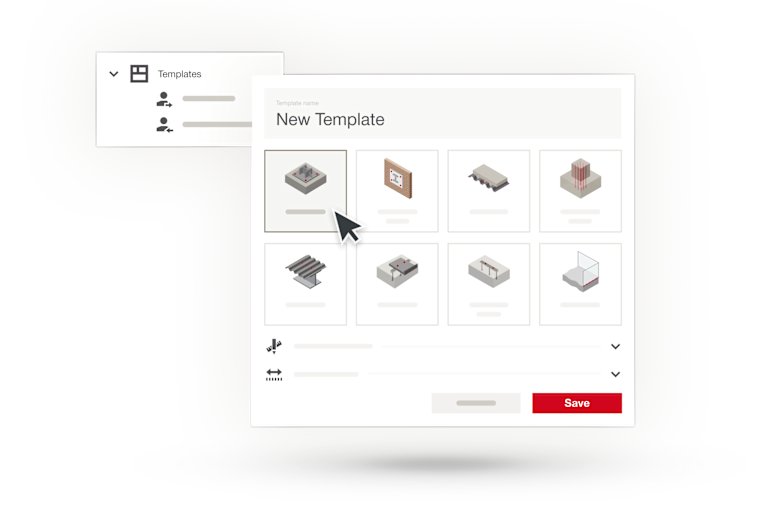
Starting every anchor design from scratch wastes time teams don’t have. With PROFIS Engineering templates, engineers can save preferred parameters like baseplate size, anchor type, spacing, materials, and design codes, then re-apply them instantly. Shared templates create a consistent design across teams, helping make them more productive.
Smart design
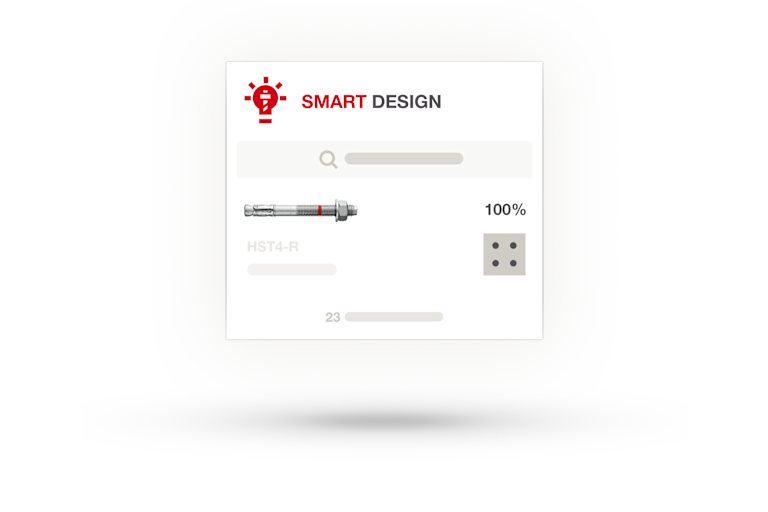
Manually iterating anchor layouts takes time and relies on experience that may not be evenly shared across a team. Smart Design takes your inputs and quickly suggests value engineered solutions for typically used anchors, for a faster, code‑compliant starting point. Teams can then review, refine, and finalize designs with confidence instead of starting from a blank slate.

Design your full steel to concrete connections all in one software

Analyse and verify your anchoring in masonry connections

Design post‑installed rebar connections between concrete elements

Design curtain wall connections using anchors or anchor channels

Design cast‑in anchor channel connections for adjustable fixings

Design anchorage to handrail for code-compliant wind loads

Design and verify post-installed shear connectors for concrete overlay

Strengthen concrete members against shear using post-installed systems

Reinforce slabs andfoundations against punching shear around columns and walls

Design screw fastening for a wide variety of timber connections

Engineering Hilti connections for mass-timber systems

Design shear connectors for steel-concrete composite systems
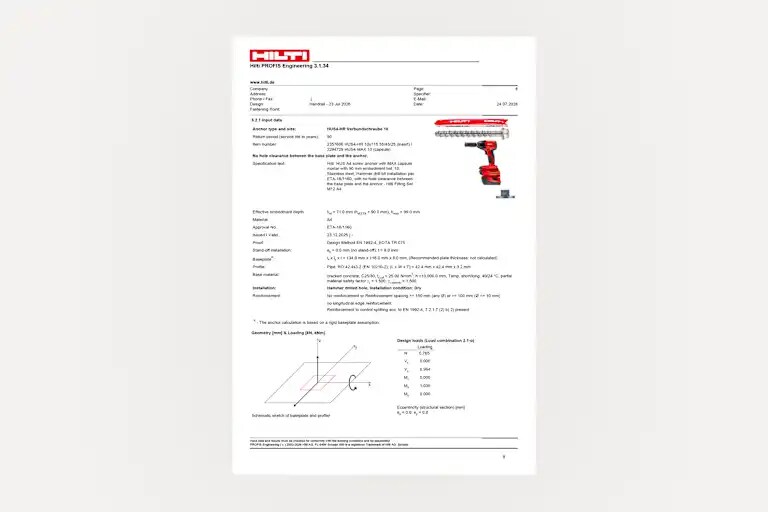
Generate detailed reports consisting of all inputs, calculations with code and design method references, and product documentation references. Transparency adds peace of mind and helps clearly communicate the basis of design.
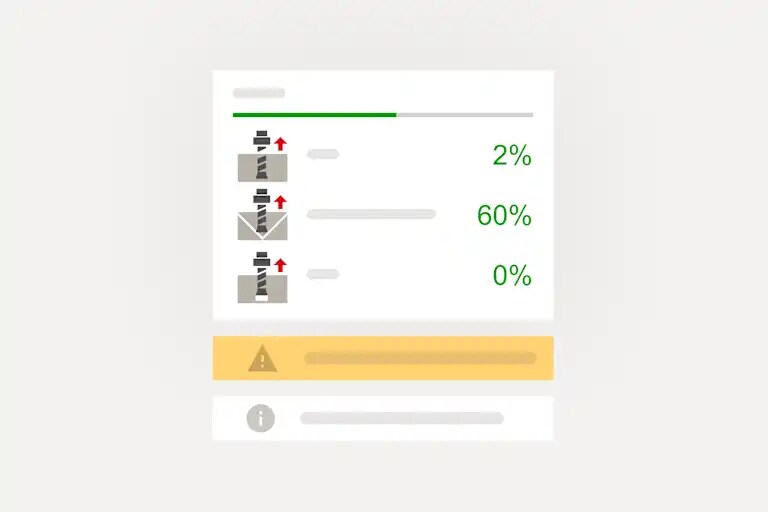
See utilisation percentages, governing checks, and capacities in the results pane. Visual failure mode illustrations help you quickly understand which checks control the design and why.
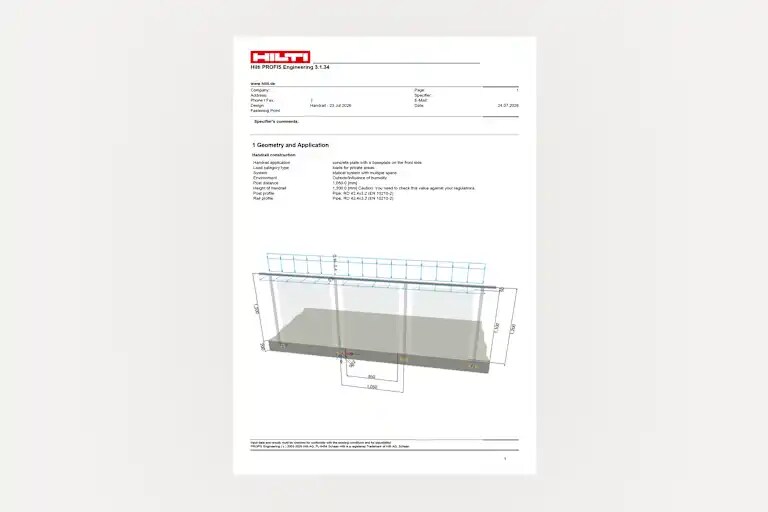
Copy and paste your design specification text directly from PROFIS Engineering on to your construction drawings. Improve consistency in your construction documents while reducing manual effort.
PROFIS Engineering is a cloud-based structural connection design software that helps engineers design, analyse, document, and optimize a wide range of structural connection applications in a single platform.
PROFIS Engineering is designed for structural engineers, consulting engineers, design engineers, contractors, and other construction professionals involved in structural connection design and analysis.
PROFIS Engineering supports a wide range of structural connection applications, including anchoring to concrete, post-installed rebar, masonry connections, façade connections, anchor channels, diaphragm design, and other structural connection designs.
Yes. PROFIS Engineering supports day-to-day structural connection design as well as more advanced engineering applications, helping users work on projects of varying complexity within a single software environment.
Yes. PROFIS Engineering Standard is available free of charge and includes access to all structural connection design modules for designing with Hilti fasteners and generic cast-in anchors using code-compliant design methods.
Standard provides core structural connection design functionality. Premium adds productivity, through collaboration, automation, integrations and end-to-end workflows.
Premium features help reduce time, improve consistency and reduce errors. Smart Design automates finding value engineered solutions, while project sharing, templates, and report customization help make collaboration more efficient and consistent. Workflow integrations help reduce manual work and the risk of errors. Full connection design helps save time verifying all elements in one software.
Yes. New users can try PROFIS Engineering Premium free for a limited trial period before deciding whether to purchase a subscription.
PROFIS Engineering supports a range of internationally recognised and market-specific design methods, standards, and regulations. Available methods may vary by market and application module.
PROFIS Engineering is updated automatically to help users work with current design methods, standards, product data, and software functionality. Users can also check the "Updates" tab on the PROFIS Engineering page, as well as Release Notes in the Knowledge Center.
PROFIS Engineering can generate detailed calculation reports, texts for specification, as well as several export possibilities depending on the application chosen.
PROFIS Engineering helps automate iteration by suggesting optimised solutions, offers integrations with other structural software for faster and more accurate data transfer, defines templates that can be re-used, and provides an end-to-end workflow for steel-to-concrete connections, which verifies all connection elements and not post-installed anchors only.
PROFIS Engineering helps improve design consistency by enabling teams to reuse templates, standardise design assumptions, and share projects across users. This helps reduce variability between engineers and supports a consistent design approach across projects.
Yes. PROFIS Engineering Premium allows users to create reusable design templates that store typical layouts and design parameters. Templates can help standardise designs across teams and simplify repetitive applications such as baseplates, ledger angles, and equipment anchorage.
Yes. PROFIS Engineering Premium supports collaboration through Company Projects and shared project folders. Teams can access, review, and work on the same project files to support coordinated design workflows.
PROFIS Engineering Premium supports cloud-based collaboration through Company Projects, shared folders, and project sharing. Teams can access shared design files, maintain consistency across projects and offices, and collaborate within a common workspace. Users can also download and share .pe files and PDF reports for offline review, approvals, and project documentation.
Yes. Organizations use PROFIS Engineering to establish common templates, shared standards, reusable project settings, standardised documentation, and collaborative workflows that help improve efficiency and consistency across teams.
Yes. PROFIS Engineering supports evaluating multiple load combinations to help engineers assess different design scenarios more efficiently. Depending on the design module and workflow, users can evaluate up to hundreds of load combinations, while advanced features such as Smart Design and CBFEM support up to 20 load combinations simultaneously.
Yes. PROFIS Engineering supports load import workflows from spreadsheets and selected engineering software to help reduce manual data entry and improve workflow efficiency.
Availability of specific features depends on the application module being used. Refer to the feature comparison for module-specific functionality.
Smart Design automates finding optimised solutions, allowing also filtering for specific needs such as certain layouts, anchor types, diameters, utilization range and more.
PROFIS Engineering supports design with Hilti fasteners and generic cast-in anchors, depending on the application and design method selected.
Yes. PROFIS Engineering Premium supports digital engineering workflows through integrations, data exchange, and export capabilities that help connect structural connection design with analysis, modeling, and documentation processes.
Yes. PROFIS Engineering supports .pe files created in PROFIS Engineering, as well as legacy .dia, .pa2, .profis3, and .pac file formats. This allows users to continue working with designs created in PROFIS Anchor, PROFIS DF Diaphragm, and PROFIS Anchor Channel while helping migrate existing projects into a single platform.
Yes. PROFIS Engineering is a cloud-based software solution that provides browser-based access to projects, updates, collaboration features, and centralized project management.
PROFIS Engineering stores project data in its cloud-based environment and allows authorised users to access, manage, and share files according to their permissions.
PROFIS Engineering runs in supported modern web browsers and is available in over 20 languages.
In the PROFIS Engineering browser users can directly access Engineering Center for articles, questions, and more, as well as Hilti Academy for E-learnings.
A floating license allows organizations to share access among multiple users. If all floating seats are currently in use, users can continue working with Standard license features until a license becomes available.
PROFIS Engineering is used by engineering consultancies, contractors, design-build firms, fabricators, owners, and other organisations involved in structural design, construction, industrial facilities, infrastructure, and commercial building projects.
Anchoring to concrete and concrete over metal deck.
Anchoring to concrete.
Anchoring to concrete, Anchoring to masonry, Concrete over metal deck, Concrete to concrete, Facade, Anchor channel.
Anchoring to concrete, Anchoring to masonry, Concrete over metal deck, Concrete to concrete, Diaphragm Design, Facade, Anchor channel.
Anchoring to concrete.
Yes. PROFIS Engineering is a cloud-based application that runs through a web browser.
*Average result observed in a study of n=15 common steel-to-concrete connections with varying design inputs, modeled using Smart Design.